Client approvals
Get to “approved” without another login wall
Clients review in the browser, leave timestamped notes, and approve the exact version you need to ship.
No per-member or guest fees. One $10/month hosted plan covers your whole team and every client reviewer link.
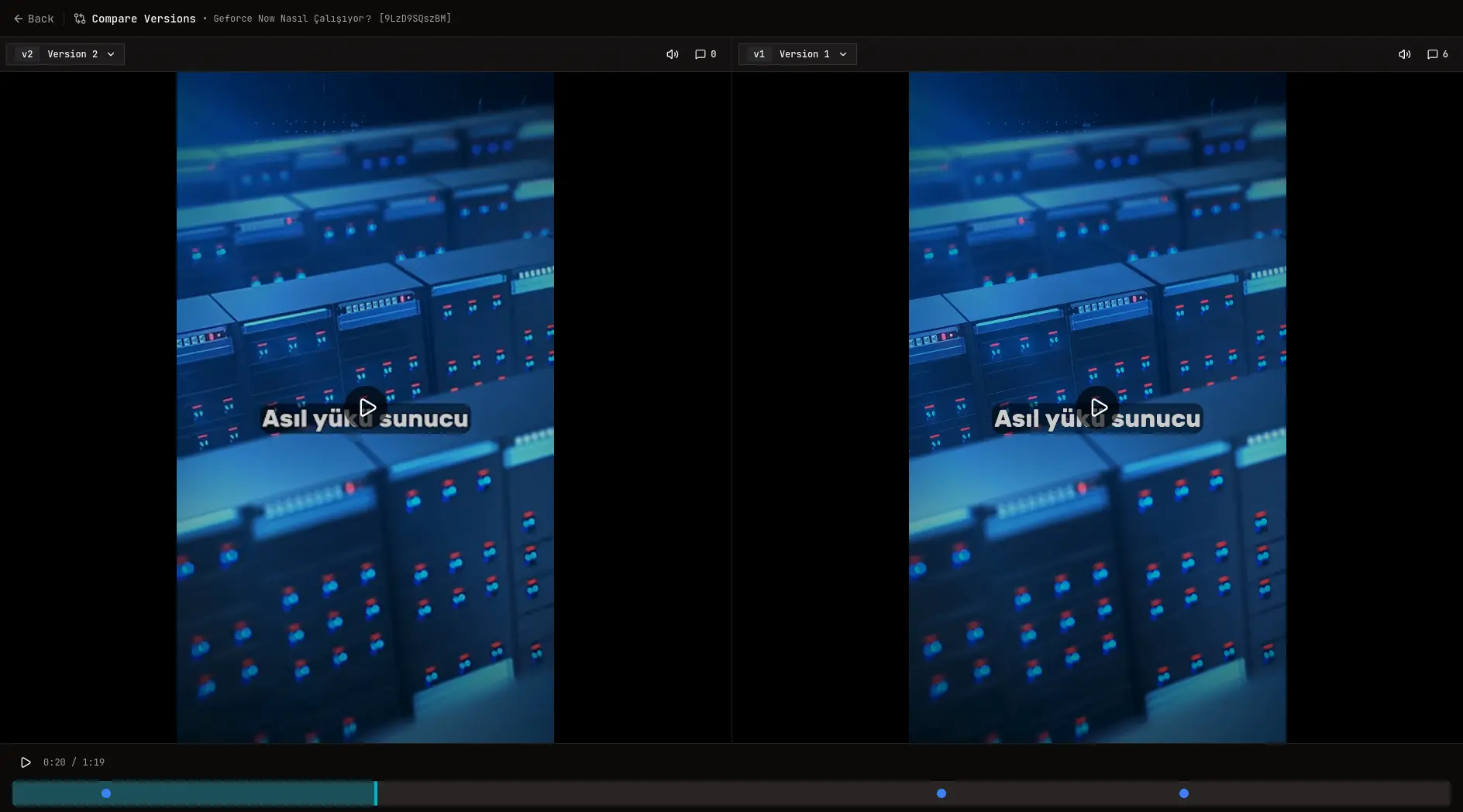
Approvals that clients actually complete
Send one link, collect precise feedback on the timeline, request approval from specific reviewers, and keep a record of who signed off on which version.
Where OpenFrame fits best
- - Editors and producers who need formal sign-off
- - Agencies with non-technical clients
- - Teams that export approval records for delivery
Where Alternatives may still fit
- - Marketing orgs needing multi-asset proofing across PDFs and websites
- - Large teams with compliance-heavy approval chains
- - Studios standardized on incumbent review platforms
OpenFrame advantages
- Approval requests with pending, approved, and rejected states
- Guest share links with optional password and expiry
- Timestamped comments, voice notes, and annotations
- PDF/CSV exports for delivery documentation
Alternatives advantages
- Enterprise proofing suites with reviewer groups and automations
- Deep Adobe integrations for facility-scale post
- Voice-first feedback tools for spoken review sessions
Feature comparison
Honest tradeoffs based on official product, pricing, and help documentation. Verify current plans before buying.
| Feature | OpenFrame | Alternatives |
|---|---|---|
Explicit approval states | Yes | Partial |
Per-reviewer approval tracking | Yes | Partial |
Guest review without account | Yes | Partial |
Password-protected share links | Yes | Partial |
Export approval history | Yes | Partial |
Multi-asset marketing proofing | No | Partial |
Pricing comparison
OpenFrame is $10/month flat with a 7-day free trial. You do not pay per team member, collaborator, or guest reviewer. Self-hosting is free with Docker.
Per-member or guest fees
OpenFrame
$10/mo flat — no per-seat or guest charges
Alternatives
Varies by platform
Self-hosted
OpenFrame
Free
Alternatives
Rare
Client seats
OpenFrame
Free via share links
Alternatives
Often free via links
Export reports
OpenFrame
PDF/CSV included
Alternatives
Varies
FAQ
Do clients need an account to approve a video?
No. Clients open a share link, enter a name if needed, and can approve from the browser.
Can I see who approved which version?
Yes. Approval requests track reviewer decisions per version.
Can I send a password-protected review link?
Yes. Share links support optional password and expiry settings.
Related comparisons
Start your free trial
Your first client review link takes minutes.